
 ▶
▶Overview
SmartBank features overview
See how the core tools work together before you begin.
Watch on YouTube ↗SmartBank learning centre
Start with the four-step cycle or jump straight to the task you need. Choose a topic below or search for the task you need. The original tutorials remain available alongside the new PDF demonstration.
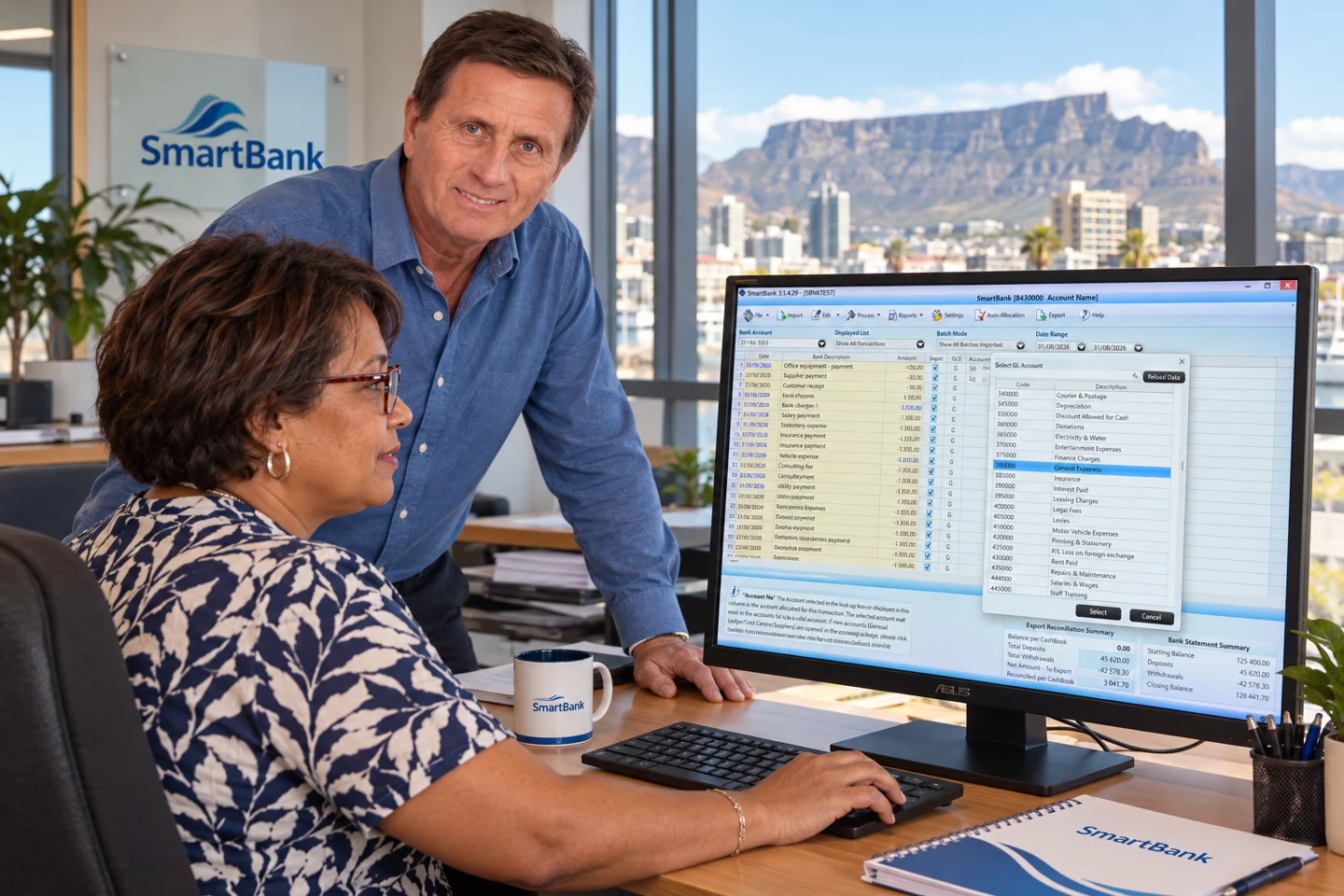
New demonstration
Start with David’s latest demonstration: direct PDF conversion, password-protected statements and accounting package exports.
Use the original PDF bank statement downloaded directly from your bank. Scanned statements, photographs and image-only PDF copies are not supported.
Trial & upgrade details →22 tutorials, grouped by task. Select a thumbnail or the green button to watch on YouTube.
Showing all 22 tutorials
No tutorials match that search. Try a different word or .
Start here
3 videos
Get the correct statement file and bring it into SmartBank.
▶See how the core tools work together before you begin.
Watch on YouTube ↗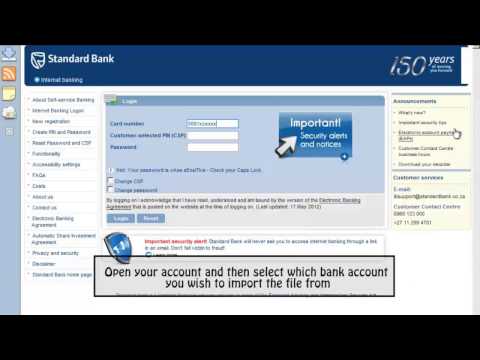 ▶
▶Choose and save a supported OFC, OFX, CSV or text file.
Watch on YouTube ↗ ▶
▶Use the SmartBank import workflow for your downloaded file.
Watch on YouTube ↗Work the batch
10 videos
Use the tools that remove repetitive cashbook work.
 ▶
▶Save repeat mappings and allocate familiar bank entries.
Watch on YouTube ↗ ▶
▶A closer look at building and using allocation rules.
Watch on YouTube ↗ ▶
▶Allocate one transaction across multiple accounts.
Watch on YouTube ↗ ▶
▶Apply default deposit and withdrawal accounts where needed.
Watch on YouTube ↗ ▶
▶ ▶
▶ ▶
▶ ▶
▶ ▶
▶ ▶
▶Check the work
4 videos
Balance the batch and decide exactly what moves across.
 ▶
▶Include or hold back selected entries before export.
Watch on YouTube ↗ ▶
▶ ▶
▶ ▶
▶Move the completed batch into the accounting package.
Watch on YouTube ↗Package workflows
5 videos
See how SmartBank fits around specific accounting packages.
 ▶
▶ ▶
▶A general Sage 50 tutorial, rather than a SmartBank walkthrough. Confirm the workflow for your accounting package and version.
Watch on YouTube ↗ ▶
▶Prepare the offline cashbook before importing to Sage.
Watch on YouTube ↗ ▶
▶ ▶
▶An older workflow recording. Contact us to confirm support for your current software version.
Watch on YouTube ↗Need help with your own setup?